



































How to Buy?
Step1: In DataMatch Enterprise click on the registration key and copy the PC Signature to the clipboard.
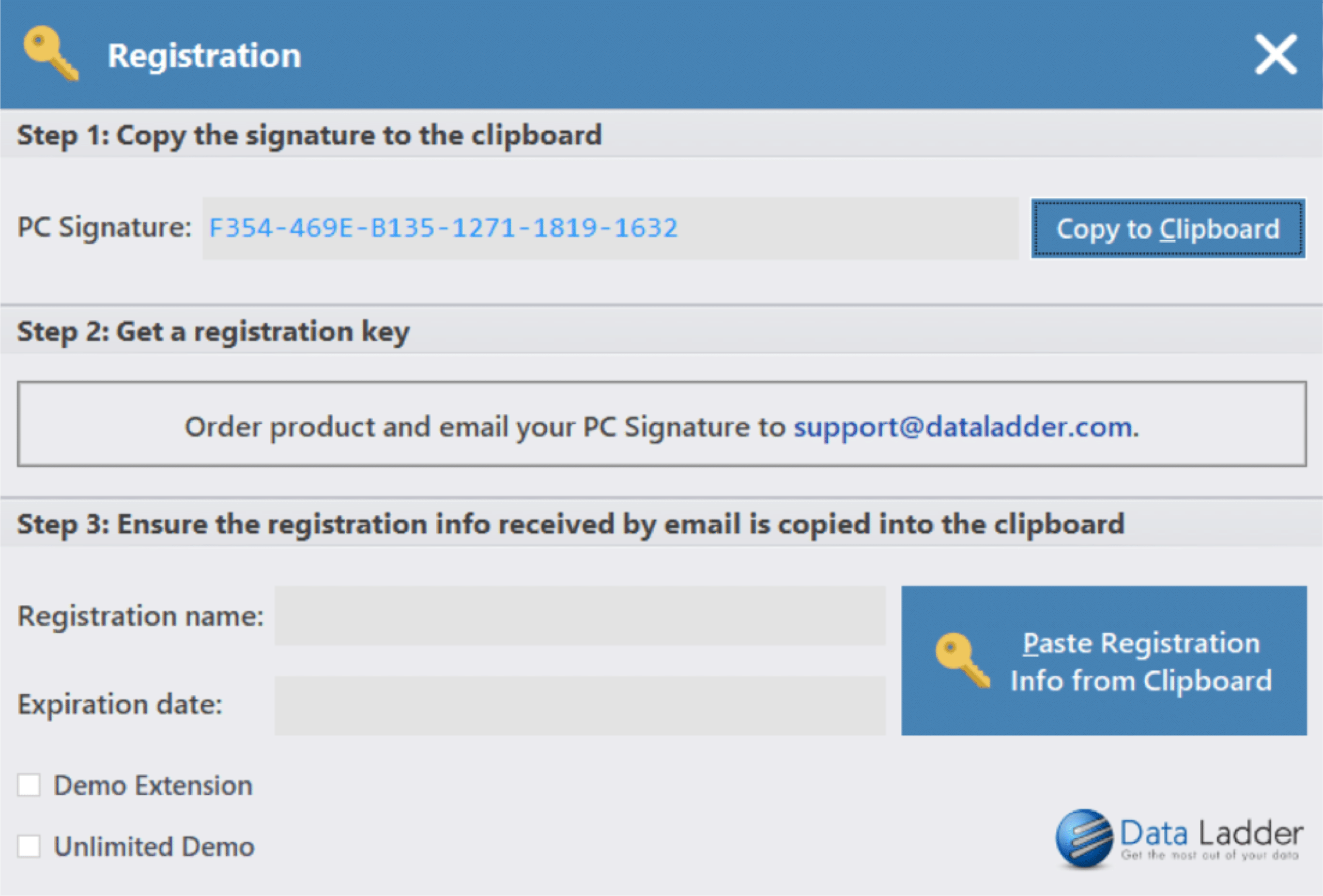
Step2: Go to https://dataladder.com/contact/ to purchase.
-
- Also, email your PC signature and chosen registration name to support@dataladder.com
Step3: You will receive a registration key and registration name.
-
- Enter your registration Key and Registration Name in the registration window. Click the Register button.
- If your key is accepted a window will pop up “Registration Complete – Thank You!.
- If your key is not accepted a red exclamation will show next to the Register Key. Please contact support@dataladder.com if that is the case.