





































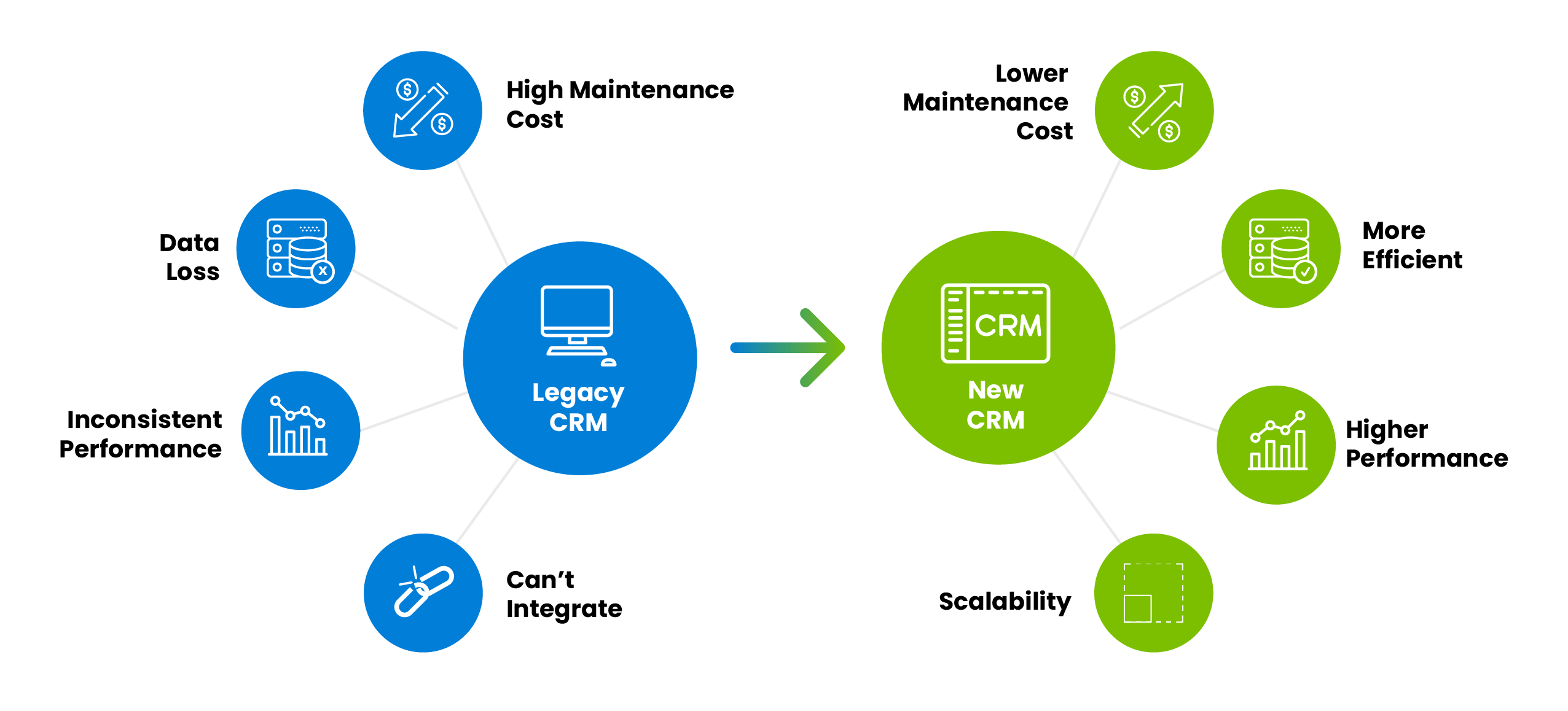
You’ve tested out the migration process with sample data and it went well, so now you decide to go through with the actual migration. And that’s where everything starts going wrong.
Your load processes started churning out failed records; a good percentage of your customer records failed because of incorrect formatting and missing relationships. To compound the problems caused by missing data, other systems connected to the CRM like billing and invoicing start going haywire; the billing cycle is messed up because of inconsistent data. And then you spend another couple of months going back, determining issues, and fixing them before attempting the migration again – with your career on the line.
CRM migrations often exceed their original timelines or budgets when data-quality issues are discovered after the project has already started. Profiling, standardization, duplicate detection, and validation should therefore be included in the migration plan from the beginning.
So, what data quality elements do you need to consider to ensure a successful CRM migration? Let’s take a look.
Quick Answer
To improve data quality before a CRM migration, first inventory and profile all source systems, define the target CRM’s data standards, correct invalid and incomplete values, standardize field formats, identify duplicate records, resolve conflicting information, establish merge and survivorship rules, and validate a representative sample before the full migration.
DataMatch Enterprise by Data Ladder supports this preparation process by profiling, cleansing, standardizing, matching, deduplicating, and consolidating records before they are loaded into the target CRM.
CRM Migration Data Quality Checklist
- Inventory every source system. Identify CRMs, ERPs, databases, spreadsheets, marketing platforms, support systems, and third-party files contributing customer data.
- Profile the legacy data. Measure missing values, invalid formats, inconsistent field usage, duplicate rates, and unexpected values before finalizing the migration scope.
- Define the target CRM’s data standards. Document required fields, accepted formats, controlled values, validation rules, object relationships, and field mappings.
- Standardize names, addresses, dates, and codes. Convert inconsistent values into agreed formats before attempting to match and merge records.
- Validate contact and reference data. Correct invalid addresses, phone numbers, email formats, country codes, state values, and other business-critical fields.
- Match and deduplicate records. Use exact, fuzzy, phonetic, and other appropriate matching methods to find duplicate leads, contacts, accounts, and related records.
- Establish merge and survivorship rules. Decide which source or field value should be retained when records contain conflicting information.
- Test with a representative sample. Run a controlled migration using realistic records, including incomplete, duplicate, and complex relationship cases.
- Validate the loaded CRM data. Re-profile the migrated records and confirm that totals, relationships, formats, and match results meet the agreed requirements.
- Plan ongoing data-quality controls. Schedule repeatable profiling, standardization, and duplicate-detection processes so data quality does not deteriorate after migration.
Before You Begin, Understand Your Data
You may think that your data migration is straightforward. Your IT suppliers and partners may convince you that for them this is just another migration, one of many success stories.
But why take a chance? Why let guesswork and assumptions negatively impact your project (and career)?
Too many project leaders have fallen into the trap of hoping for the best with data quality with a ‘let’s fix it in the target’ mentality. It doesn’t need to be this way. For the project manager, data quality should be an ally, not some combative foe they need to avoid.
Instead of data quality being considered as an ‘extra’ in the overall data migration plan, it should instead direct the migration strategy and even the architecture of the project. Leading Dutch retailer, Maxeda Group, did exactly that with Data Ladder. The company needed to integrate CRM data, loyalty data, and transactional data from dozens of individual retail stores and all of their online data, into their new Single Source of Truth, an AI-powered CRM. The architecture for the migration process was built around Data Ladder’s capabilities.
One of the biggest reasons Maxeda decided to undertake such a massive migration with Data Ladder tools was the data discovery and profiling capabilities in our solution.
Look Before You Leap
Data profiling is the most important first step in understanding the scope and nature of data problems in a new CRM migration, and yet, it is rarely seen on project plans and almost never seen as a line item in the budget. Profiling most often occurs after the project manager comes face-to-face with the data quality issues in the business’ legacy system and data that are preventing a successful outcome to the migration/integration effort. Then they talk about amending the project scope to include clean-up.
A data profiling exercise before the project scope is signed is a more rational approach. A profiling exercise that is designed to be easy, relatively quick, relatively inexpensive, and conducted by seasoned professionals using specialized tools results in a concise profile report that pinpoints the data issues that must be addressed in the project. The result is a more rationally conceived migration project, a more realistic budget, and fewer uncomfortable discussions about scope creep later. Data profiling at this point basically acts as a pre-migration assessment that replaces assumptions with knowledge.
Despite the value of early discovery, many migration projects begin without a thorough assessment of the source data, increasing the risk of unexpected cleansing, mapping, and remediation work later.
How to Prepare CRM Data for Migration
Connect and Inventory the Source Systems
The first step is obviously to identify and integrate the first-party, second-party, and third-party data sources that contain the customer information that you want to bring together in your new CRM. Which format are you receiving data from your partners and brokers in? Which applications or databases do you have in place internally? Will you be connecting to public data sources, and if so, in which format will you download those lists?
Customer data you’d need to bring together in your CRM for a more complete view can include:
- Social media
- Transactions
- Sales team interactions
- Firmographics
- Customer preferences
- Web and mobile browsing activities
- Demographics
- Sentiments
- Etc.
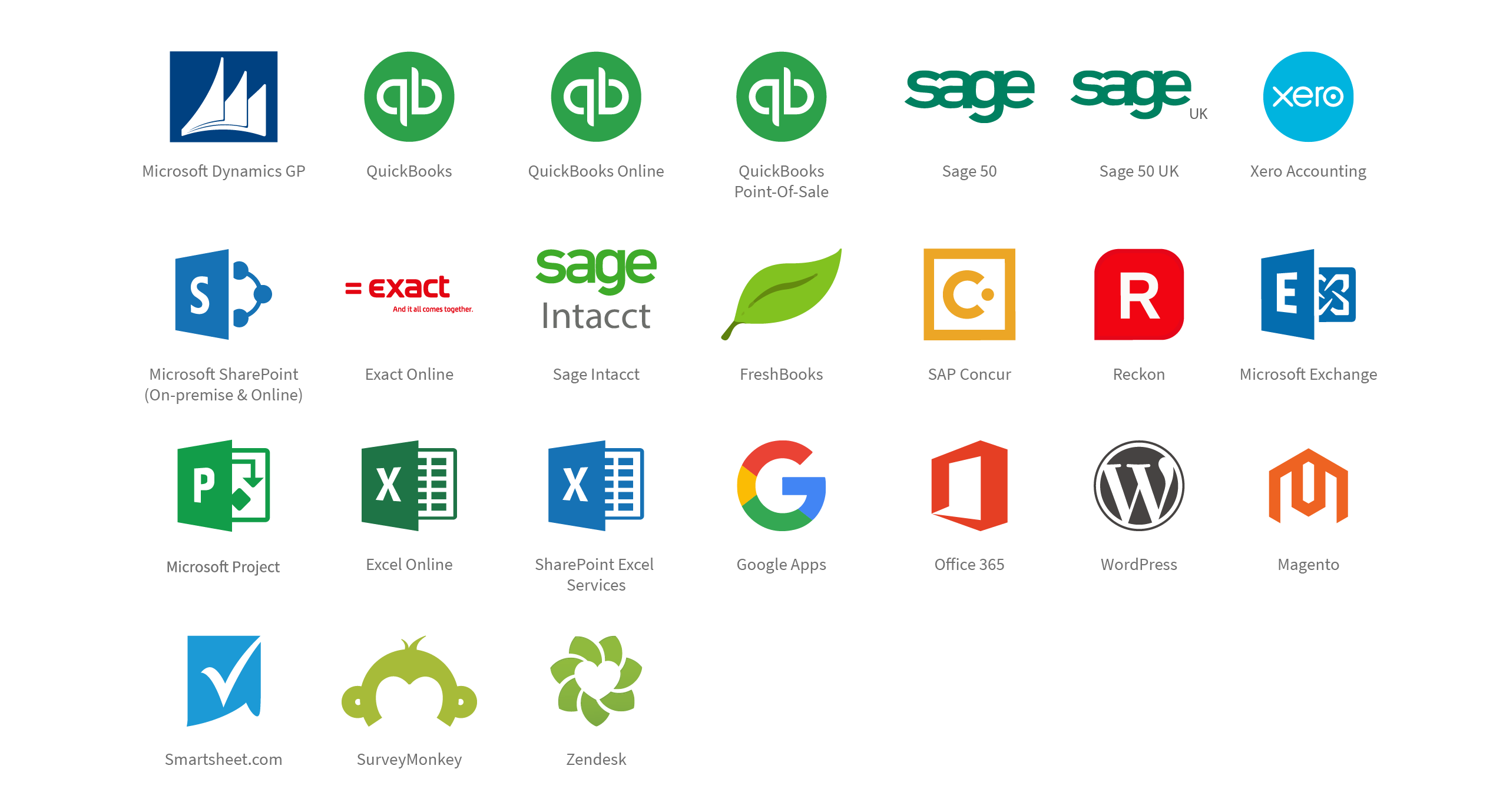
Make a list of data sources and create a strategy for how you want to integrate each of those data sources. Now cross-check this list against the tools you want to use during CRM migration. Make sure each of those tools can integrate perfectly with your data sources, whether it’s your legacy CRM, social media platforms, accounting apps, or Big Data lakes.
Profile and Access the Data
We’ve already discussed the basics in the data discovery section before. When integrating data from multiple sources at scale, few businesses understand the underlying data themselves. This data is usually gathered over years, if not decades, and is chock full of issues like typos, irrelevancy, incompleteness, inaccuracy, and lack of standardization. The standardization issue is further magnified when multiple sources come together, because each system may be storing data in a completely different way.

Profiling your data once you’ve integrated the sources helps you get a snapshot view that pinpoints data quality issues. Fixing these issues ultimately helps you get better results when matching different representations of the same customer in the final step of the process. Drilling down and profiling data at the onset allows businesses to quantify the data issues that they would run into somewhere down the road.
Clean and Standardize the Records
Once you’ve identified issues in your data, it’s time to scrub it clean and standardize it to get the best results in the entity resolution step. To clean your data, you can set up business rules that help recognize and fix spelling errors, standardization issues, misfielded data, etc. You should already know which business rules to create if you’ve profiled your data. Keep in mind that this step can be very time- consuming and requires considerable attention to detail.

Industry-leading data cleansing solutions typically offer pre-built cleaning and standardization rules, along with various other features that help efficiently clean data while providing more insight into your business data.
Match and Deduplicate CRM Records
Standardizing your data before you match it helps minimize false negatives, effectively increasing match rates. It’s time to create your match definitions now. Ideally, your data quality software of choice should allow you to visually create match definitions where you define what should or shouldn’t be considered a match. You can think of Match Criteria and Match Definitions in terms of AND/OR SQL statements. The relationship between match definitions would be an AND statement and the relationship between the match criteria would be an OR statement.
Once you’ve defined your match definitions and criteria, it’s time to start matching:

If you’re using entity resolution software, you will see something akin to the above screen when you run your matches. Individual matches should be paired in groups, identified by a unique group ID. You should also see the match score, allowing you to weed out false positives quickly.
Create Trusted Records Using Survivorship Rules
Once duplicate groups have been reviewed, define field-level survivorship rules to determine which values should be retained in each trusted record. With the matches identified and false positives eliminated, it’s time for the final step in the process: Choosing a master record. After all, we need the cleanest, most complete record for every customer in our new CRM. Now that you’ve matched all of your data sources that contain customer data, it’s time to bring all of that information together.
From the match groups, you can choose which records and which fields to merge until you have a single, comprehensive record. You do not have to manually go through each record; the process can be automated in DataMatch Enterprise’s Merge and Survivorship step.
Validate the Output Before Loading
Before loading the complete dataset into the target CRM, re-profile the consolidated records and verify record totals, required fields, formatting, duplicate rates, account relationships, and merge results. Test a
representative sample that includes incomplete records, near-duplicates, conflicting values, and complex contact-to-account relationships.
Document the acceptance criteria and route uncertain records for review before approving the full migration.
Common Data Quality Problems Before a CRM Migration
| Problem | Example | Recommended Action |
|---|---|---|
| Duplicate leads and contacts | The same customer appears under different spellings or email addresses | Apply exact, fuzzy, and phonetic matching |
| Incorrect account relationships | Contacts are linked to outdated or duplicate company accounts | Match contacts and accounts before rebuilding relationships |
| Inconsistent field formats | Dates, phone numbers, states, and country codes use different formats | Standardize values to the target CRM requirements |
| Conflicting values | Two systems contain different addresses or contact details | Define field-level survivorship rules |
| Missing required fields | Legacy records do not meet the target CRM’s validation rules | Enrich, correct, exclude, or route records for review |
| Legacy custom fields | Old fields have no direct equivalent in the new CRM | Map, transform, archive, or retire them before migration |
| Duplicate records across CRMs | Sales, service, and regional teams maintain separate customer profiles | Resolve identities across all sources before loading |
How DataMatch Enterprise Supports CRM Migration
DataMatch Enterprise supports the data-quality preparation stage of a CRM migration. It helps teams understand legacy data, standardize inconsistent values, identify duplicate records, and create trusted output before loading records into the target CRM.
| Migration Stage | DataMatch Enterprise Capability |
|---|---|
| Initial assessment | Data profiling and data-quality measurement |
| Data preparation | Cleansing, parsing, validation, and standardization |
| Duplicate detection | Exact, fuzzy, phonetic, and configurable matching |
| Record consolidation | Match grouping, merge, and field-level survivorship |
| Pre-load validation | Review of match results and re-profiling of the output |
| Ongoing maintenance | Repeatable data-quality and deduplication workflows |
DataMatch Enterprise is most relevant when CRM records must be reconciled with data from other supported systems, databases, spreadsheets, and files. The migration platform or CRM remains responsible for loading and operating the target environment.
The typical arguments against data quality are that it costs too much and takes too much time. But, the irony is that effective data quality management actually reduces the duration of a project and improves its likelihood of success.
Enhance your CRM migration strategy by leveraging our intuitive approach to the entire data quality process, from profiling and cleansing, all the way to matching and creating golden records. Our native integration with modern CRMs and advanced record linkage features allow users to find data matches across all supported repositories, regardless of whether your data lives in social media platforms and legacy systems or traditional databases and flat files. Data Ladder integrates with virtually all modern systems to help you “Get the Most Out of Your Data”.
Customer Example: Preparing Multi-Source Customer Data
Maxeda DIY Group used DataMatch Enterprise to profile, standardize, match, and consolidate customer information from multiple brands and systems as part of its single-customer-view initiative.
Read the Maxeda customer data case study
“My favorite part of DataMatch is how easy and flexible it is to use. I can use data from virtually any data source including ODBC connections, CSV files, and JSON files. It does a great job with data cleansing making the matching process even more powerful.”
Nick Corder
Platform Architect
Assess Your CRM Data Before Migration
Profile legacy records, identify duplicates, and uncover formatting,
completeness, and consistency issues before they affect the migration.
Assess data quality in your legacy systems with our solution experts Schedule a FREE session today!